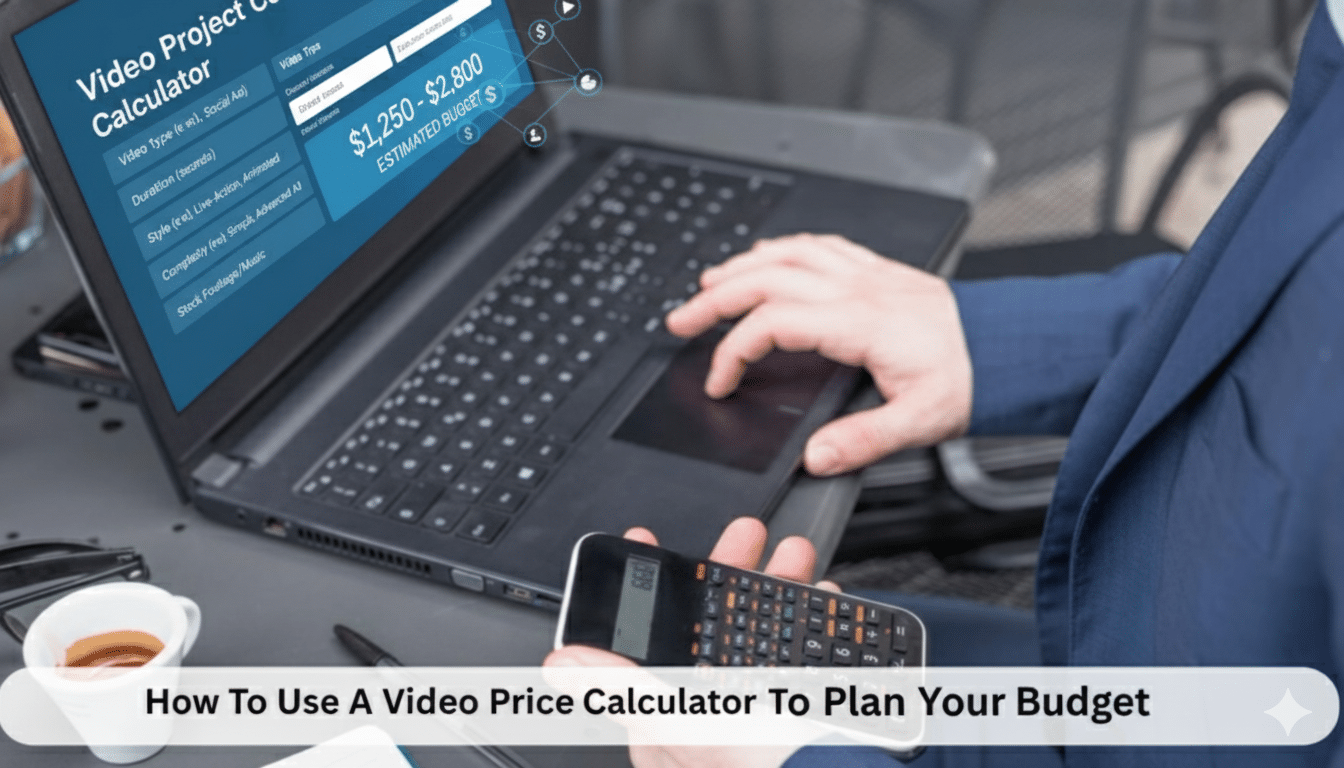
How To Use A Video Price Calculator To Plan Your Budget

It is enjoyable to make a video, but calculating the cost is challenging. You might have an idea in mind, but when you start seeing equipment, personnel, post-production, and all the other minor details, the numbers get jumbled.
This is where a video price calculator comes in useful. It reminds you of what it costs and how to budget in advance, before you even start making the film. Such a calculator will prevent you from guessing or overspending.
You clearly understand how much you can spend and the type of video you can create. Whether you are producing a short social media clip or an entire marketing campaign, using a calculator, you can make wise choices with your cash.
This is how to effectively use a video price calculator and what each step of the process is for your final cost.
-
Understanding What a Video Price Calculator Does
A video price calculator is a simple method for determining the value of your video before you create it. Instead of just guessing or making an estimate, you can enter specific data about your project and get a reasonable estimate. You fill in information about how long your video will be, what style you want, and what type of production you’re going to have.
If you enter those numbers, the video price calculator provides you with an estimated total, making it easier for you to visualize where your budget will be allocated. It is not definitive, but it is a good starting point for planning and budgeting.
What’s really fantastic about this tool is that it breaks down the cost of video production into manageable chunks that anyone can relate to. You can see how much would be spent on pre-production, filming, editing, and post-production.
Each stage affects the final cost, and by seeing this breakdown, you can adjust your ideas to fit within your budget. This helps you make wise decisions, keep things in perspective with your goals, and be more confident about moving forward with your video project.

-
Why Planning Your Video Budget Matters
Making a video on your own without a given budget can lead to problems later on. You’ll blow one thing and discover that you don’t have sufficient left for editing, music, or whatever else you need. A good plan keeps everything in proportion and helps you maintain your means.
A calculator provides you with a precise estimate for video production, ensuring you don’t end up with outrageous bills. You will understand the nature of the crew to hire, the equipment you can afford, and the amount of time you can devote to editing. Such planning makes you more organized and lowers your stress level in the process.
It also helps you make more informed decisions about where to reduce costs without compromising the quality of your video. Perhaps you do not have to shoot in multiple locations, or a simpler arrangement will suffice anyway. If you can visualize the numbers in black and white, your decisions are more confident and reasonable.
Below are a few major reasons budgeting is necessary:
- It keeps you in control and prevents unnecessary spending.
- It enables you to allocate resources to the most critical aspects of production first.
- It gives you confidence by ruling out cash uncertainty.
-
Getting Started With a Video Price Calculator
When you open a video price calculator, you will find two simple-to-use sections asking for details of your project. It’s designed to be simple, even if you are not familiar with video production. The procedure prompts you to think through what you really need and provides a general idea of the project.
You’ll typically enter information such as the type of video you require, its length, the number of locations you will be shooting, and whether you’ll be requiring actors or animation. Some calculators also request details about your editing style, music preferences, or preferred date of video delivery completion. This step-by-step setup allows your quotation to be aligned with your purpose and goals.
Below are some common information most calculators will need:
- The length and nature of your video.
- How many shooting locations are there, and is travel necessary?
- The use of extras such as voice-overs, graphics, or animation.
After you’ve entered all of your details, you’ll receive an instant video production pricing guide. It’s not a figure; it breaks down what areas of your project are going to cost a lot and why. Having these specifics means you can make changes before you spend money, and you have total control over your budget.
-
Knowing What Affects Video Production Costs
Various factors can affect the price of video production, and being aware of them enables you to make more intelligent choices when using a calculator. If you understand what will increase or decrease the price, it is much less challenging to plan a video that meets your goals and your budget.
The first of these important considerations is time. The longer your videos are, the longer they will take to film and edit, which increases your cost overall. The second of these considerations is the size of your crew. Working with a small crew would likely save you money, but you want a professional, high-end feel, so more personnel on hand usually translates into a better final product.
Location is important as well. Filming in a studio is typically less expensive than renting a special location. Transportation costs can also be included in your expenses if you need to relocate your team and equipment frequently. And the gear you use, such as cameras, lights, and microphones, will have a direct impact on your expenses.
Finally, post-production activities such as editing, color correction, and sound mixing can take just as much time as the actual shooting. A reliable calculator considers all these stages when estimating your total cost, ensuring that you do not miss any step in the calculation.
-
Setting Your Goals Before Using the Calculator
Before you start plugging in the numbers, ensure you have a clear idea of what you want your video to achieve. Having clear objectives keeps you focused and enables the calculator to provide more accurate results.
Consider what you’re trying to accomplish in your video. Maybe it’s selling something, explaining a product or service, or sharing a story of your business. Once you understand that purpose, then you’ll know how detailed and polished your video needs to be. That will guide your creative choices and make budgeting easier.
To capture attention on social media, a short and engaging clip is often the most effective approach. Or if you want to describe something in detail, you will require a longer video and possibly a bigger budget. Having a clear idea of what you are looking for allows you to make more informed choices when filling out the calculator, ensuring that your final estimate accurately reflects your needs.
-
Balancing Quality and Budget
We all want our video to look as fantastic and professional as possible, but equally as important, they must have a clear idea of what they can afford. Quality is necessary, but having an idea of what you can achieve within your budget is the best way to achieve the optimal outcome without spending more than you have.
A video price calculator enables you to see exactly how much quality you can get for your money, allowing you to plan with confidence. For instance, productions with professional actors, multiple cameras, and top-of-the-line editing will always be more expensive.
These elements can yield fantastic results, but at the cost of increased expenses. However, if you’re looking to make a simple, clean, and engaging video, you can achieve excellent results with fewer resources. It’s just a matter of knowing where to save money and where to spend it, and that’s where a calculator will help you.
Tinkering with various alternatives on the calculator enables you to understand how discrete choices contribute to making a project more or less expensive. You can vary one variable at a time, such as video duration or the number of locations, and see how this affects the total cost immediately.
This helps you clearly understand how each choice contributes to your spending. As you experiment with various combinations, you will begin to sense the quality-price balance that suits you. That balance enables you to stay within your budget while still producing a professional-standard video that effectively communicates your message.
-
Comparing Different Video Production Estimates
Once you have used a calculator and have an estimate of video production costs, you can compare them with quotes from professionals. This will enable you to determine if the amounts match up.
A calculator is a good starting point, but actual costs vary with experience and equipment. As you tally your estimate against bids, you’ll have a solid understanding of the market and be able to make better bargains.
It’s also worthwhile to get more than one quote. Some creatives include editing as part of their overall, and some charge extra. A calculator allows you to ask the right questions so that you can determine what’s missing from each quote.
-
Adjusting Your Plan Based on Results
When you receive your estimate, you may discover that your ideal video production costs more than you initially expected. That is alright since this is where the video price calculator truly begins to be very useful.
It enables you to experiment with different possibilities for lowering your costs without losing too much quality or creativity. With a little flexibility, you can implement adjustments that will make your project both effective and budget-friendly.
You can choose to trim the video by a few seconds or remove scenes that are not vital to your message. Another idea is to film at fewer locations, which can save travel and setup costs. Filming using natural light rather than renting extra lights can also make an enormous difference. These small changes may seem simple, but collectively, they can save a significant amount of money.
The wonder of a calculator is how easy it is to use when you are doing these calculations. You can go back, alter your choices, and have new amounts in front of you in an instant. This gives you the freedom to experiment with different ideas until you have a setup that perfectly fits your budget and requirements.
It’s a safe and smart way to test things out before you start investing real money, and it enables you to create a video that looks great without costing a fortune..
-
Using the Estimate to Build a Real Budget
After reviewing all available options and determining a price that suits you, the next step is to use your video production estimate to create an actual budget. It involves breaking down every element of the project and determining how much you’ll be spending on each one.
Cover everything from start to finish, planning, shooting, editing, and final output. Throw a bit extra in for unexpected costs, because there is always something you have not thought of. A good budget keeps you on your toes when production starts. It’s simpler to control your expenses when you’ve already established what each process should cost.
-
Making the Most of Your Investment
A video is not an expense, but an investment in your business or brand. Budget smart, and every dollar goes further.
Pre-planning with a calculator in hand reveals the big picture before you start. You know where your money will make the greatest difference, be it better lighting or a stronger edit. Intelligent spending in the right areas can enhance your final video without depleting your budget.
Think of the calculator as your friend. It not only shows you prices, but it also helps you to become confident. The more you learn about how production costs are determined, the better your decisions will be.
-
Reviewing and Updating Your Plan
Even after you have set your budget, continue to review it as your project progresses. Costs change as new ideas emerge or as issues arise during filming.
The calculator is still functional at this stage. If you need to add an additional scene or upgrade equipment, reenter those numbers to see how your bottom line changes. Flexibility keeps you in command of your budget without compromising on quality.
It is also prudent to review your budget once you have completed your video. Consider how much you have spent and what you have to show for it. This enables you to budget better for your next project.
Making Smart Choices
One of the simplest and most convenient tools for planning a video project is a video price calculator. It removes all the guesswork out of budgeting, allowing you to make informed decisions. You receive an accurate estimate of the video production cost, allowing you to adjust your plan before incurring any expenses.
By understanding the cost of video production and how everything affects your bottom line, you’ll be set to create something that meets your needs and is within your means. Whether it’s a small clip or a big campaign, having a calculator helps you plan smarter, spend smarter, and get the most from your money.


