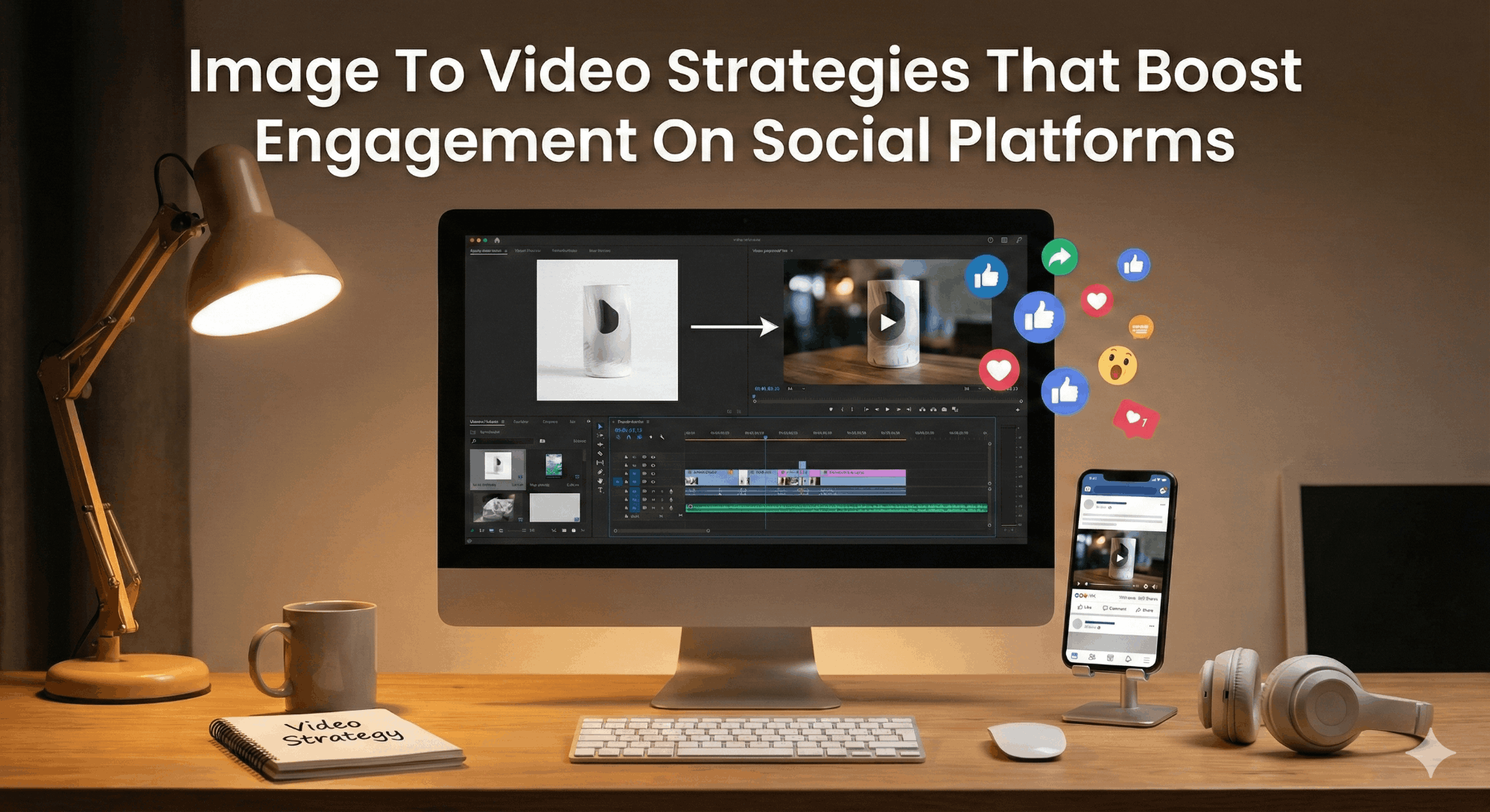
Image To Video Strategies That Boost Engagement On Social Platforms

The relentless preference for motion drives the attention economy in the contemporary digital space. The dynamic video-first consumption habit has overtaken the traditional static scroll model, and it’s not even close. Seeing that the average person retains about 90% of information in a video compared to static content, it only makes sense for creators to build their strategies around video.
This recent content consumption preference has users spending most of their time on online pages with moving images compared to those with static pictures. As a result, a sophisticated transition of images to video is crucial to maintain relevance. This transition is more than just an aesthetic selection; it is a survival approach for brands under the algorithmic stifling of major social media platforms.
A deep understanding of visual psychology and technical execution remains vital to the process of transforming a still frame into a high-engagement asset. To illustrate, you leverage the human eye’s natural motion bias, triggering an orienting response that stops scrolling when you implement a photo to video conversion.
This guide is the ultimate manual for mastering the art of this transition. You remove the creative ceiling when you utilize an image to video generator. This permits the repurposing of existing libraries into unlimited-second experiences that drive retention. Further, you extend the narrative of a single moment when you strategically apply an image to video AI. Then the magic happens: you turn a basic shot into a captivating story that resonates across global feeds.
The Structural Foundation: Beyond Static Frames
The high-fidelity photograph has been the summit of social media marketing for several years. However, these static assets tend to tear down the thumb’s scroll muscle memory with the oversaturation of feeds. Deploying photo video strategies remains the solution as they bridge the gap between cinematography and photography. You multiply a still image’s inherent value by using a photo video maker.
You must strictly define the technical parameters before applying any creative animation. Disregarding social media image sizes is still one of the most common failures in digital content creation. For instance, a 1:1 ratio (square) or 4:5 ratio (portrait) is the standard dimension for Instagram fees, while the 9:16 vertical orientation is non-negotiable for capturing the immersive full-screen experience of TikTok.
If you must use a YouTube thumbnail size (1280×720) as your teaser video’s starting point, it must have sufficient resolution for clarity during the zooming phases of the image to video process. These initial steps determine the architectural integrity of the video. To illustrate, the video’s resulting motion will likely suffer from artifacting if you feed a photo to video AI low-quality assets or those with incorrect sizes. This can make the pixels struggle to sustain their edges during interpolation.
So, prioritize the optimization of the source material so that they meet the specific requirements of your target platform. This must be your first point of action during any image to video AI free or premium workflow.
Smart Image-to-Video Techniques for Higher Social Reach

Let’s take a closer look at the techniques that can help you turn images into engaging videos and increase your social reach.
1. The Parallax Depth and Spatial Recomposition
One of the most authoritative ways to make a video with pictures is the parallax effect. It is a technique that involves using moving layers at different speeds to create a 3D illusion from a 2D source. These are the main steps:
- Isolation: You identify and isolate the primary subject from the background.
- In-Painting: With content-aware technology, you cover the space in the background to remove blank spaces or holes that appear during motion.
- Keyframing: This involves scaling or moving the foreground subject in one direction while also moving the background in another direction.
Often, these depth maps autogenerate when you use a free AI image to video tool. This type of AI photo to video conversion is especially impactful for projects where a sense of physical space is crucial, such as real estate and luxury product marketing. It often results in a cinematic piece that may seem high-end or big-budget, even though you created it with a free image to video AI.
2. Kinetic Typography and Information Layering
There is more to engagement than just looking. You must integrate kinetic typography into your workflow to create video from photos that don’t just entertain but also inform. The inclusion of text that moves in sync with the image’s vibe enhances the process of how to add image to video or add photo to a video element.
- Subtle Motion: Applying a slow “Ken Burns” pan to the AI picture to video asset
- Dynamic Overlays: Introducing the main selling points or captions with “fade” animations
- Brand Integration: Animating logos that appear at the most high-impact moment of the clip
Choosing to make video from images that include text optimizes the content for the “sound-off” environment of mobile browsing. With this strategy, you can successfully deliver the message even if the user does not engage with the audio.
3. Professionalizing Mobile Assets (Live Photos)
The “Live Photo” feature on modern smartphones is surprisingly one of the most underutilized weapons in a creator’s armoury. There aren’t many faster paths to creating in-the-moment content that feels authentic and raw than learning how to turn live photo into video.
To turn live photo into video, you export the asset as a video file from the mobile gallery. However, you must refine this raw file for a professional social media presence. Fortunately, you can always smooth out the frame rate of the live photo with the best image to video AI tools. For those wondering how to make a video with pictures that feel like a memory snapshot, this is how to do it.
It all depends on your goal. Ensure you stabilize and color-grade the clip if you aim to turn a live photo into a video for a professional ad. It elevates the vibe of a quick smartphone capture to the quality of a luxury travel teaser: a winning strategy for real-time engagement.
4. AI-Generated Morphing and Temporal Transitions
AI morphing is an integral part of the most cutting-edge strategy to convert image to video online free. This is where you create seamless transitions between two disparate states using AI image to video technology.
Consider a product or item that morphs into the finished assembly after it is shown to be in pieces. The AI predicts the path of the pixels to create a fluid, dream-like transition when you use an AI photo to video generator.
Here is how to generate AI video that stops the viewer from scrolling:
- You choose two highly contrasting images. For example, a furnished room and an empty room.
- You generate the “in-between” frames with the AI image to video free tool.
- The transition is perfectly scheduled to match a musical score for the best impact.
There aren’t many other proven ways than this to make video from images that highlights product transformation.
5. Algorithmic Looping for Maximum Dwell Time
One of the most crucial metrics for social algorithms is the amount of time a user stays on a page or post. This is the dwell time. You can only maximize this metric efficiently by creating a seamless loop when you make a video with pictures.
If you make a 3-second loop where the end and start frames perfectly match using an AI photo to video tool, the viewer might watch it multiple times over before even realizing it has begun. This is especially effective for creating atmospheric content like a subtle shimmer on a piece of jewelry or a moving sky.
Here is how to achieve this:
- Symmetry: Make sure that the first and last frames have identical lighting.
- Seamlessness: Utilize a photo to video tool with a loop function.
- Subtlety: Make sure the motion is slow enough to make the loop point imperceptible.
Using this strategy signals the platform of an imminent high-value piece of content. This increases the distribution of your content in the “Explore” or “For You” feeds.
6. Psychology of Color and Lighting in Motion
When you convert image to video online free, you can successfully direct the viewer’s attention with the movement of light or shimmer effects. You can also add artificial lighting shifts to a static shot when you use a photo video maker.
For instance, you can transform a static image of a storefront into a photo video where the sunlight appears to pass over the glass. This subtle transformation in luminosity only further mirrors the way the human eye receives or perceives reality, bringing the still image to life. This is also a crucial feature in many free AI image to video platforms, where you can toggle lighting to add depth and realism.
7. Maximizing the First Three Seconds
If you have been in the content creation space long enough, you have probably heard of the “Three-Second Rule.” According to marketing experts, you only have three seconds to hook a viewer or audience until they leave. So, make sure you place the most visually captivating motion at the very beginning when you generate AI video.
You can create the content’s hook by combining audio, photo, or video materials. When using a static image as a hook, you want to apply high-speed zoom or a glitch effect in the very first second. The YouTube thumbnail size strategy becomes more vital than ever here.
A winning thumbnail must promise a visual story that the video will eventually deliver. The click-through rate can significantly increase if you use an AI picture to video tool to animate the thumbnail’s main focus.
Use a non-intrusive but present watermark or logo to add photo to video arrangements that maintain brand identity. Ultimately, you aim to make the motion the star while allowing the branding to retain a reliable anchor.
8. Structuring the Narrative with Multi-Image Montages
Although applying a single image to video conversion can be powerful for storytelling, using a sequence of images transformed into a video is even more effective. This is what creative professionals often refer to as a “slideshow 2.0.”
By using a photo video maker, you stitch a series of static shots together with dynamic transitions. Follow these steps to make a video with pictures that tells a story:
- The Hook: Make a highly impactful AI photo to video of the final result
- The Process: Create a series of images to video detailing the steps it requires
- The Call to Action: The final static frame with animated text
With this sequence, you guide the user into a thrilling path. This is the most comprehensive way to create video from photos for educational or documentary-style social content.
9. Accessibility and Reaching a Global Audience
Being able to quickly localize content is a major advantage of using an image to video AI free workflow. The text overlays can all change to different languages in seconds.
Optimizing social media image sizes for multiple media, such as 4:5 on Facebook or 9:16 on TikTok, will make your content globally accessible. Also, you run A/B testing in the process without the time-consuming preparation when you opt for the AI photo to video generator. This testing protocol will help you see the motion styles that perform best in different markets.
Checklist for Implementing Image to Video Strategies
For every piece of content you will make, use this checklist to achieve the best results with image to video strategies:
- Audit: The source image should be high-resolution with the correct dimensions for social media image sizes.
- Motion Type: The choice of AI photo to video (parallax vs. morphing) must match the brand voice.
- Speed: The motion is fast enough to catch the eye but slow enough for the viewer to understand.
- Text: Video contains captions for the fairly passive majority of users.
- The Hook: The first second of the photo to video conversion must offer instant value.
- The Loop: There should be a seamless loop to encourage viewers to see the video again.
- The Thumbnail: Optimize the YouTube thumbnail size for high click-through.
The Future of the Moving Still
The line between photography and videography has become so thin that it is nearly invisible. In today’s world, a static image is only a raw material and no longer the final product. Leveraging image to video technology helps creators and entrepreneurs produce top-quality, high-engagement content at a fraction of the usual cost.
Whether you are using best image to video ai for a global campaign or an ai image to video tool for a quick “Live Photo” update, the aim is to move the viewer. Achieving these feats requires strategies of parallax, kinetic layering, and AI-driven morphing; the lifesaving tools of the trade.
Now is the time to start thinking in sequences and not in frames. The digital world never stops moving; your content should follow this trend.


