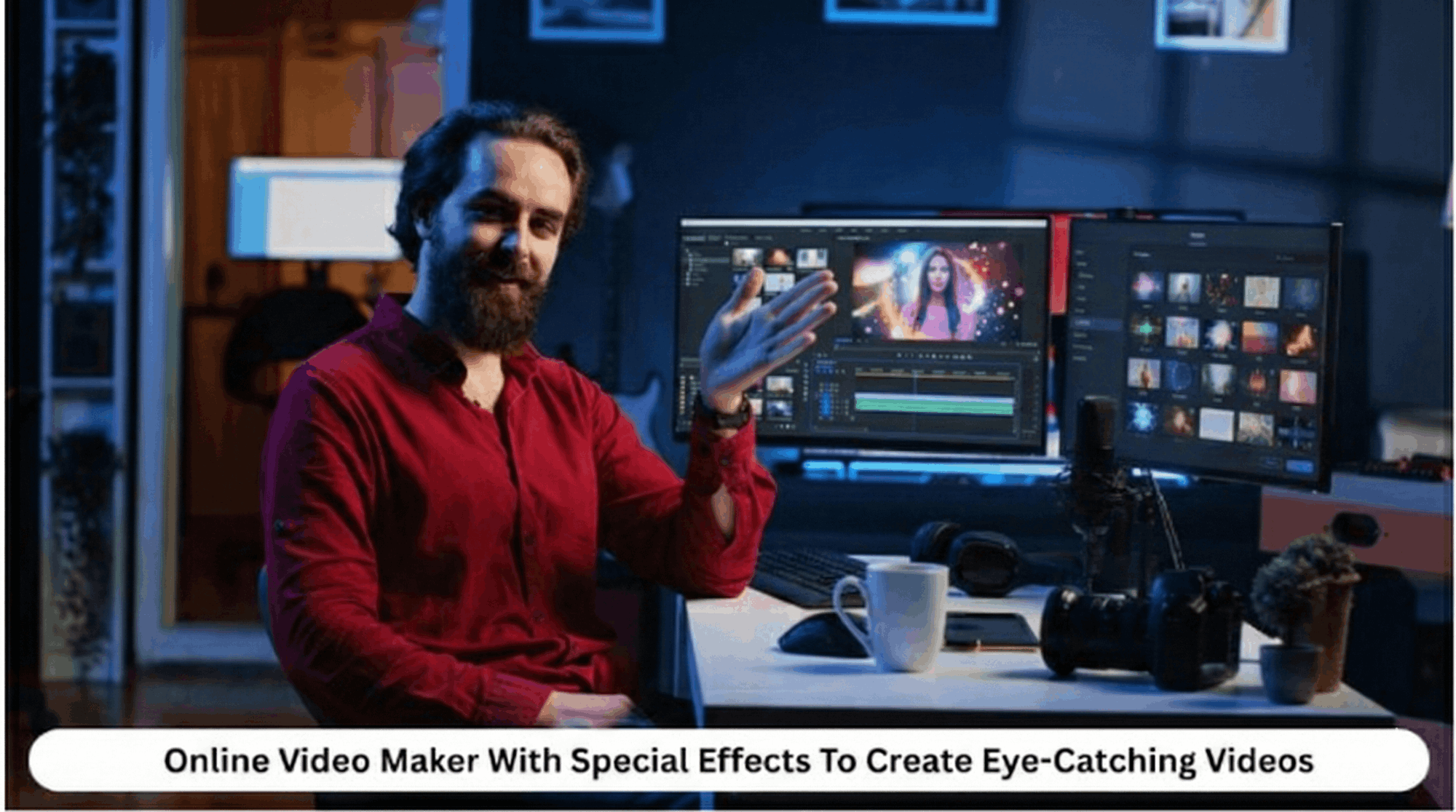
Online Video Maker With Special Effects To Create Eye-Catching Videos

In the modern world of technology, the need to produce video content that engages and impresses viewers with its visual appeal cannot be overstated. For content creators, marketers, and entrepreneurs, video content is a great tool to reach viewers and convey messages to them.
A report shows that 90% of marketers consider video an essential part of their marketing strategy, underlining how it effectively catches attention and delivers messages.
A free video editor with special effects can be a valuable asset, enabling you to incorporate professional-grade elements like animations and motion graphics into your video. These tools offer a range of creative options that are easy to use and don’t require advanced technical skills.
Read on to learn more about the key characteristics, advantages, and types of special effects offered by online video editors, and learn how to pick the right tool for video-making tasks.
What Is an Online Video Maker?
An online video maker refers to an online application that enables users to produce, edit, and render videos directly from their browser. Online applications, also known as cloud video editors, are also available. They are user-friendly and enable both amateur and pro videographers to create highly professional videos without having to install complicated software.
Likewise, the applications are also known to support a host of functionalities, ranging from simple video clipping to more advanced ones, such as animation, green screen integration, and motion graphics.
Additionally, the applications are cloud-based, making them easily accessible from any computer with internet access. Such applications enable teams to work on them in real-time.
Key Features of an Online Video Maker With Special Effects
Below are the key features of an online video maker with special effects.
1. Drag-And-Drop Video Editor
The drag-and-drop video editing tool is very user-friendly and gives you a smooth experience where you can easily add video clips, images, and music to a timeline.
It is developed in such a manner that a user who is unfamiliar with video editing can easily use it and make a professional video. Using a video editor online is one of the simplest ways to get started with editing.
2. Built-In Visual Effects (Filters, Transitions, Overlays)
Built-in effects are crucial for enhancing the quality of any video. Online video editors typically offer a range of effects, including filters, transitions, and overlays, to enhance your content. Filters are responsible for altering the mood of a video through effects such as adjusting color balance or applying vintage effects.
Likewise, transitions enable smooth transitions between clips, creating a natural flow in the video. Additional creative elements can be added to the video, such as animated graphics or text overlays. A video creator online can help you easily apply these effects.
3. Motion Graphics and Animations
Incorporating motion graphics and animations will make your video come to life. Whether it be in the form of animated logos within the clip, moving text across the screen, or animated characters, these aspects are sure to draw the viewer in and retain their focus as well.
Video-making websites should provide templates that allow you to integrate animations, creating professional-looking videos within your content. With the help of a video promo online tool, your animations can be customized to suit any marketing or entertainment purpose.
4. Text Effects and Animated Typography
One of the most important tools for adding value to your video text is the use of text effects and animations. This helps add some excitement beyond the boring text that would have been displayed with the mere use of your videos.
You can apply these text effects, such as bounces, slides, and fades, to the text that appears on the video screens. It may include the title, captions, and even other text. Video editing tools with animated typography help make text stand out.
5. Green Screen (Chroma Key) Support
Some videos made using online video editors will have green screen or chroma key technology. This allows you to change the background from a solid color to any other picture or video that you may choose.
This is especially useful for placing yourself or objects into a virtual setting, such as a corporate office, tropical location, or fantasy world. For instance, you could create a background that has your corporate office, a tropical setting, or a fantasy place. You can easily use this feature in a slideshow maker or a free video editor tool.
6. Audio Effects and Background Music
Audio plays an equally important role in making the video engaging. Online video editing software typically provides a selection of royalty-free music tracks, audio effects, and audio files that you can incorporate into your videos.
In addition to background music, it allows you to modify audio settings, adjust volumes, and even add voiceovers. This way, your video can have the right audio setting, whether it’s fun and exciting or calm and professional.
7. Stock Media Library (Videos, Images, Sound Effects)
The stock media library feature can be very useful. Many video creators on the internet utilize stock media libraries. They provide consumers with access to a vast library of high-quality stock videos, graphics, and sound effects that can be incorporated into the videos being created.
Additionally, they may have video content that consumers lack the time or resources to create. There are numerous stock videos that can be added to the video, allowing consumers to utilize them in their projects.
Benefits of Using an Online Video Maker
The following are the benefits of an online video maker;
1. No Technical Expertise Required
One of the greatest benefits of video editing is that no prior experience is needed. The software is user-friendly, featuring an intuitive interface and drag-and-drop options that simplify video creation. Even those without technical knowledge can create high-quality, professional-looking videos.
2. Cost-Effective Compared to Professional Software
Professional video editing software can be costly, and it may require a significant amount of time to learn. Online video editors, in contrast, would be highly affordable, along with a payment option as you go along. This would enable people to utilize advanced video editing options without incurring high upfront costs.
3. Cloud-Based Editing and Storage
Cloud-based video-making tools mean that your work is automatically saved on the internet, where you can then view and edit it using any computer with internet access. That means you won’t have to worry about running out of storage on your computer, where you have saved your work.
4. Fast Rendering and Easy Sharing
Video processing can be pretty time-consuming using traditional video editing tools. Still, in the case of video creators online, video speed is relatively fast, allowing them to produce content quickly. Secondly, when the video is ready, it is relatively easy to share, allowing it to be disseminated across various platforms.
5. Collaboration Features for Teams
Video-making sites that allow collaboration between multiple people can be the best solution for teams. Several individuals can work on a single project simultaneously. They can upload their own video cut-ups, effects, and edits simultaneously. Such facilities can be beneficial for businesses that want to collaborate on a video-making project.

Types of Special Effects Available
Below are different types of special effects available;
1. Visual Filters and Color Grading
Visual filters help modify the overall appearance of a video by adjusting its brightness, contrast, and color balance. Visual filters will immediately change the mood and feel of your video, allowing you to achieve a completely different look and feel. Color grading will help adjust these settings to achieve a more professional look and feel.
2. Transitions and Scene Effects
Transitions are used to join two separate scenes or video clips in a video smoothly. Some of the transitions available include fade transitions, dissolve transitions, and wipes. In addition to transitions, scene effects are used to introduce dramatic variations in the way the scenes are acted out.
3. Glitch, Cinematic, and Neon Effects
The glitch effect adds a futuristic touch by replicating digital errors, making it perfect for videos that need a high-tech or futuristic vibe. Cinematic effects provide a professional, Hollywood-like experience, usually depicting depth of field or colors. Neon effects incorporate shiny, glowing features, hence ideal for a bold environment.
4. Slow Motion and Speed Ramping
Slow-motion and speed ramping effects enable you to adjust the speed of selected parts of your video to achieve a dramatic or artistic effect. Slow motion can be used to highlight important parts of your video, and speed ramping, which refers to a combination of slow and fast motion effects, can help enhance action scenes and highlight important details.
5. Particle, Light, and Lens Flare Effects
Particle effects involve graphics such as twinkles, smokes, and snowflakes that can bring a sense of magic or drama to your video. Light effects can be used to add highlights, glow effects, or light rays that can bring depth. Lens flares involve the impression of light shining on the camera lens and can create a dramatic aesthetic.
6. 3D and Animated Elements
3D effects involve adding three-dimensional elements to your video and rotating or moving those elements within and around the frame. This, too, can create dynamic, futuristic visuals that keep an audience engaged. Thus, other than flying logos, moving text, or animated characters, motion also goes a long way in injecting life into videos.
How to Choose the Right Online Video Maker
1. Ease Of Use and Interface Design
One of the most important factors that contributes to weighing the pros and cons of any online video maker software is its accessibility. The software with easy access should have a clean, uncluttered interface. A well-structured interface will enable you to navigate through the platform with ease, finding what you’re looking for and bypassing any unnecessary features.
Besides, this convenient navigation often comes with customizable layouts and drag-and-drop functionality, which makes the whole editing process even smoother and more enjoyable. A neat, organized interface is vital for either new users or those who are working on a really tight deadline, enabling the learning curve to be shorter and finishing the project sooner.
2. Variety And Quality of Special Effects
Ensure the platform offers a diverse range of special effects, including creative transitions, cinematic color grading, and the ability to add animated objects. Generic high-quality special effects will significantly benefit your video.
3. Export Quality and Format Options
Think about what you can do in terms of video export options when using a free video maker. It is crucial to consider a video maker that allows you to export your video in the highest possible quality and multiple formats. This is vital if you are to ensure compatibility with different platforms when sharing your video on social media, websites, and so on.
4. Pricing and Free Trial Availability
Most video creation websites offer subscription services, but you have to make sure that the cost isn’t higher than the services that come along with it.
That said, these video creation websites also have free versions that you could use as a trial for the software that you might purchase in the future. This would be particularly helpful if you were unsure whether the software would meet your needs.
Additionally, it would be wise to consider the services included with the cost of these subscription services, as discounts may be available depending on the chosen subscription plan.
5. Customer Support and Tutorials
Look for a video editing software that supports excellent customer service, as well as tutorials and resources that can help you learn the ropes when it comes to using this software. Whether it is through live webinars, text, or video guides, having excellent customer support is extremely helpful, regardless of the delivery method.
Similarly, excellent customer support means that in the event of technical issues or when you need guidance navigating the platform, help is just a call away. Platforms offering comprehensive tutorials, through either text, video guides, or live webinars, hasten your learning process.
On other platforms, there are active user communities where users can ask questions or exchange tips with one another, which is invaluable in the journey to becoming more advanced in video editing skills.
The Power of Online Video Editors with Special Effects
Online video editors with special effects give users an easily accessible and inexpensive method to produce visually appealing videos, even to the non-technical user. Using easy-to-use functionality such as drag-and-drop editors, visual effects, motion graphics, and more, users have all the tools they need to produce a professional video.
Regardless of whether your content is personal, educational, or professional, the tools listed above provide all the features you need to enhance your videos and achieve your desired effects. Taking into consideration the many variables, it is possible to handpick the best video editor online to unlock the potential of your video-making.


