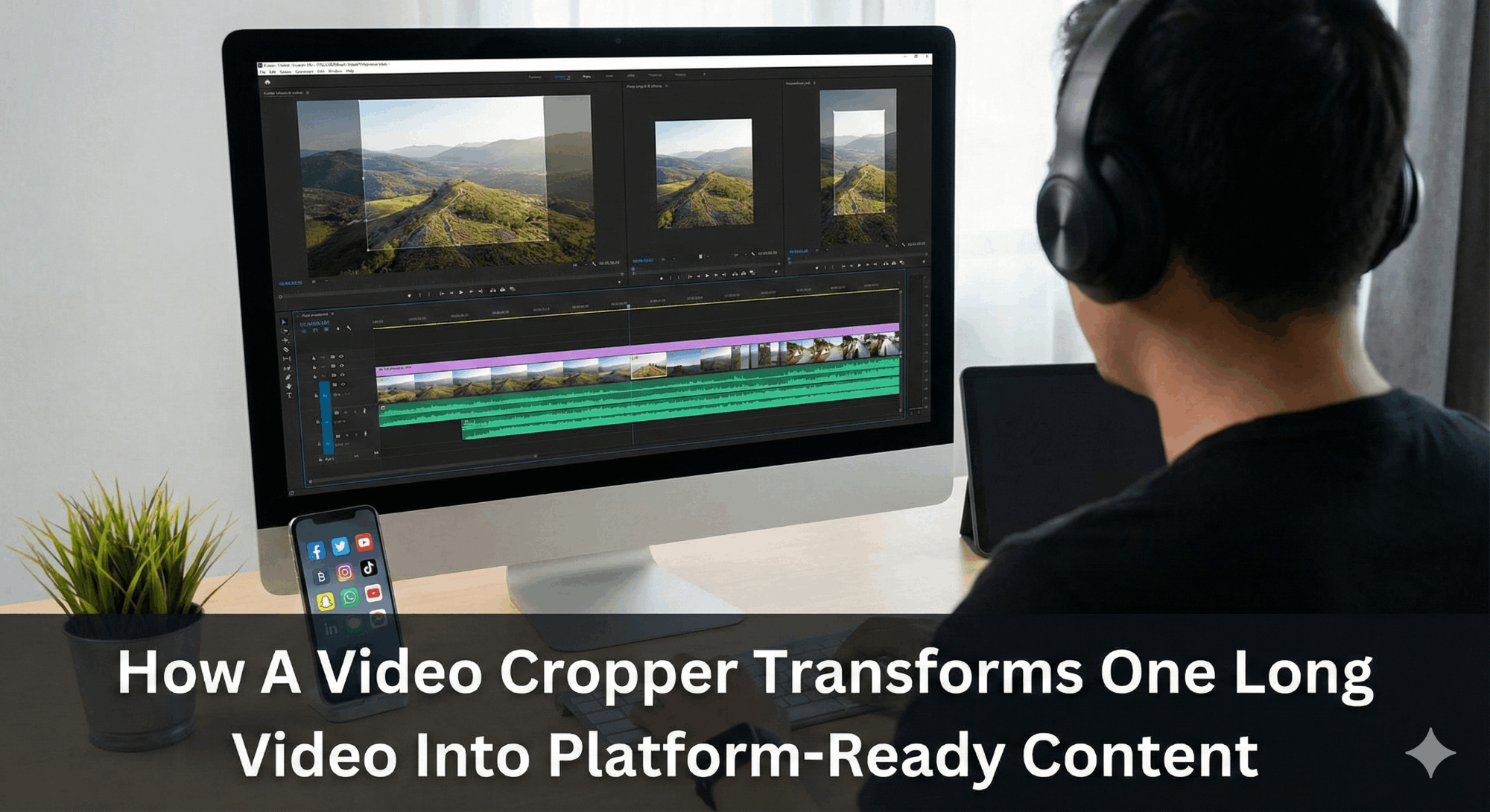
How A Video Cropper Transforms One Long Video Into Platform-Ready Content

You record a 30-minute video webinar, a behind-the-scenes product walkthrough, or a live Q&A session. The video is excellent, but you want it everywhere: Instagram, TikTok, YouTube Shorts, LinkedIn, Facebook.
The problem?
Each platform is unique in terms of its size, shape, and duration.
Having to re-edit the same video six times manually is a time-waster you simply cannot afford, and that is precisely where a video cropper can be of the greatest benefit to you during post-production.
HubSpot research shows that 89% of consumers want to watch more videos from brands, and individuals are 52% more likely to share video content than any other form. The demand is immense, but resizing, reformatting, and redistributing a single lengthy video across five or six channels can become cumbersome in a hurry without the right tool.
This guide explains just how a video cropper functions, why it is essential in today’s multi-platform content strategy, and how to put one into practical use, whether it is the first file you are uploading or the last platform-ready file.
What Is a Video Cropper and Why Does It Matter
A video cropper by Promo is an online or desktop application that lets you trim the unwanted borders of your video and resize it to a specific aspect ratio, similar to a photo editor’s crop tool, but for video.
Cropping and trimming serve different purposes. Trimming a video means reducing its length. You crop a video to adjust the frame’s visible limits rather than altering the timeline. The best tools will allow you to do both at the same time.
So, why is cropping so important right now?
All the large platforms come with strict dimension rules:
- Instagram Reels and Stories: 9: 16 vertical
- TikTok: 9:16 vertical
- YouTube Shorts: 9:16 vertical
- Facebook Feed: 16:9 or 1:1 square
- LinkedIn: 16:9 or 1:1 square
- Twitter/X: 16:9 or 1:1 square
Post a 16:9 landscape video directly on TikTok and the app letterboxes it with black bars, which is an instant indication of low-effort content. A customized crop eliminates those bars, occupies the entire screen, and immediately increases interaction.
The Real Cost of Not Cropping Your Videos
The Sprout Social Index found that the average number of posts brands put up across all networks is 9.5 per day. As content saturation is at an all-time high, a video that is not formatted correctly not only performs poorly, but it also sends the message of low quality to the platform’s algorithm, which diminishes organic distribution.
Formatted videos are always more effective than non-formatted reposts in terms of watch time, completion rate, and shares. In addition to the algorithm, consumers can automatically tell when a brand has simply recycled horizontal YouTube content and pasted it onto a vertical TikTok feed.
However, a reframed, cropped video is an indicator of intentionality; that your brand actually curates content in every community it operates in.

How to Crop a Video: A Step-by-Step Walkthrough
It is much easier to learn how to crop a video than many expect. Using the Promo online tool, the entire process takes place in the browser.
- Step 1: Upload Your Video. Drag and drop your file, or choose it from your device. MP4 is the most universal format for footage from a camera or a screen recorder.
- Step 2: Select Your Aspect Ratio. Choose the desired ratio amongst the platform options: 9:16 on TikTok and Reels, 1:1 on Instagram feed, 16:9 on YouTube. The online video creator automatically generates a frame overlay that fits your desired dimensions.
- Step 3: Adjust the Crop Frame. Drag the frame to keep the subject centered within the new limits. This is the heart of how to crop a video. You can also trim a video at the same time if the tool supports combined editing.
- Step 4: Preview and Export. Watch the entire clip to ensure the subject stays in frame. Export as MP4 because it offers the best quality and a versatile file size.
Pro Tip: Process each aspect ratio as a separate export. A dedicated 9:16 for TikTok and a separate 1:1 for LinkedIn will always outperform a one-size-fits-all compromise.
Can You Crop a Video Without Losing Quality?
A common question creators ask is: Can you crop a video without degrading image quality?
The response is yes, but only with the appropriate tool and source video.
Quality loss occurs when you crop into a low-resolution video, reducing the number of pixels in the visible frame. The 4K/high-quality 1080p provides you with much more space to reframe while still maintaining quality.
Modern online croppers maintain the original pixel density within the cropped frame rather than stretching or compressing the output; what you see in the preview is exactly what you get in the download.
From One Long Video to Six Platform-Ready Clips
Here is a case example: You record a 20-minute tutorial in 16:9. You do not just post it on YouTube; you use the video to create multiple formats for each of the major channels.
- YouTube (16:9): The original recording that you have is at the perfect level; trim video dead air and off-topic segments using your video editor.
- TikTok and Instagram Reel (9:16): Crop a 30-90-second highlight, then reframe to focus on the speaker’s face or the most active part of the visuals. A free video cropper makes this quick enough to create several short videos without spending hours in a desktop application.
- Instagram Feed (1:1): Square crops work well for product demonstrations or before-and-after reveals when the action is centered in the frame.
- LinkedIn (16:9 or 1:1): Viewers respond better to 60-90-second informative videos. Clean the edges with the crop tool and maintain a professional composition.
- Facebook Stories and Twitter/X: Reuse your 9:16 crop for Stories. For Twitter, export a 30-45-second square or landscape highlight; short, punchy content performs best.
Why an Online Cropper Beats Desktop Software for Most Creators
Professional editors offer much more powerful cropping capabilities, but licenses are costly, and the software has a steep learning curve. For creators who need to crop videos quickly, an online cropper solves the same problem in a fraction of the time:
- No Installation Required: Just open the browser, upload, and begin cropping on the spur of the moment.
- Works on All Devices: Mac, Windows, or tablet; the interface remains the same for the entire team.
- Faster Turnaround: A 15-minute task would require less than two minutes in a dedicated online tool.
- Affordable Rates: Most tools offer a free level of video cropping that is adequate for individual creators and small companies.
The best options also function as a complete online video cutter free platform that lets you crop, trim, add text overlays, and edit audio in a single workspace.
Key Features to Look for in a Video Cropper
The results of video croppers differ. When considering tools, prioritize the following capabilities:
- Preset Aspect Ratios: The most useful feature is one-click presets for all the major social sites. Instead of having to type in the pixel size, you choose Instagram Reels or TikTok, and the tool automatically uses the appropriate frame.
- Real-Time Preview: This shows you exactly what the cropped frame will look like before exporting. Live preview lets you adjust the crop frame and keep the subject in focus throughout, especially with moving subjects.
- Multiple Format Export: Do you need to crop MP4 video files or convert them to MOV for use on Apple devices? The tool must be able to export in a variety of formats. When handling professional production pipelines, flexibility matters.
- Combined Trim and Crop: This is the most effective workflow, combining both operations. When you can trim a video and crop its frame in the same editing session, you reduce the time spent in post-production.
- Batch Processing: When you need to process a lot of output with content teams, batch cropping lets you apply the same settings to a series of files at once; it can be a highlight series for a podcast, a recap campaign for an event, or a video library of e-commerce products.
Repurposing Strategy: Getting More From Every Long-Form Video
The smartest content teams treat each long-form recording as a content asset; a source file from which dozens of platform-ready clips can be extracted over weeks or months. Research found that marketing teams with a systematic repurposing process save time per video clip.
A practical framework:
- Find Highlights First: Before you start to crop, identify the three to five most shareable moments and time-stamp them.
- Crop for Vertical First 9:16 is compatible with most platforms at once. Start here, and adjust to square or landscape.
- Adjust Messaging Per Platform: The crop stays the same; captions, overlays, and calls to action change per destination.
- Schedule Strategically: Rotate the schedule throughout the week to ensure the content is viewed by audiences in its fresh state and not perceived as boring.
Common Cropping Mistakes and How to Avoid Them
Even with a simple tool, a handful of repetitive errors consistently diminishes the quality of the cropped video output.
- Tight Cropping: It is always advisable to have a little space around the subject. The lack of breathing space makes the composition look amateurish.
- Disregarding the Lower Third: During the conversion from 16:9 to 9:16, text overlays and subtitles at the bottom of the frame are easy to cut accidentally. Before exporting any crop or repositioning any text, check the bottom of the crop window in your video editor.
- Using Low-resolution Source Footage: Cropping compounds existing quality issues. Shoot in 4K or 1080p minimum to give the cropper enough pixel data to work with.
- Exporting at the Wrong File Size: TikTok supports up to 287.6 MB; Instagram recommends uploading under 100 MB. Always verify platform upload specifications after cropping.
Who Benefits Most From Using a Video Cropper?
Video croppers are not just for professional editors. The ease of contemporary web-based tools means virtually every creator or business owner can use them.
- Small Business Owners: A restaurant owner who records a 10-minute kitchen tour video can use a free video cropper to quickly split the vertical clips into an Instagram Story, a square highlight for the Facebook feed, and a 60-second cut for LinkedIn, all from a single recording.
- Social Media Managers: Agency managers serve multiple clients and need their services quickly. A stable online cropper will save the hassle of opening desktop applications for each reformat request and compress a 20-minute process to less than 3 minutes.
- Content Creators and Influencers: YouTubers and podcasters who produce long-form content can repurpose it systematically across TikTok and Instagram without an additional production budget. The content recorder can produce 10 to 15 platform-optimized clips through a rigorous cropping and trimming process.
- E-Commerce Brands: Product video clips usually start with long landscape shots. Converting these into square and vertical Instagram shopping posts, TikTok product videos, and Facebook advertisements is far more lucrative in terms of production investment.
One Video, Infinite Reach
The shift toward multi-platform video content is not slowing down. For brands and creators who want to reach their audiences at every scroll, it is no longer optional to format content appropriately for each platform. It is a baseline requirement.
With the help of a good video cropper, that requirement is achievable without adding more work to production. A single well-selected video, subjected to a carefully considered video editing process, will be converted into six or even seven platform-specific videos. And each will fit its ideal placement, best suited to fill the screen and capture attention on the first frame itself.
Whether you are a beginner learning to crop a video or building a high-volume repurposing system, the logic remains the same. Start with a great piece of source footage, crop it, and let the right tool do all the heavy lifting.
Promo’s online video creator platform provides you with all the tools to take you from the raw recording phase to platform-ready post, all in a single location in your browser, without wasting a single minute.


