Snapchat Video Editor
Create and edit Snapchat videos in minutes with our online Snapchat video editor. This Snapchat online tool lets you design, resize, and publish engaging Snapchat videos quickly using built-in templates and creative assets.
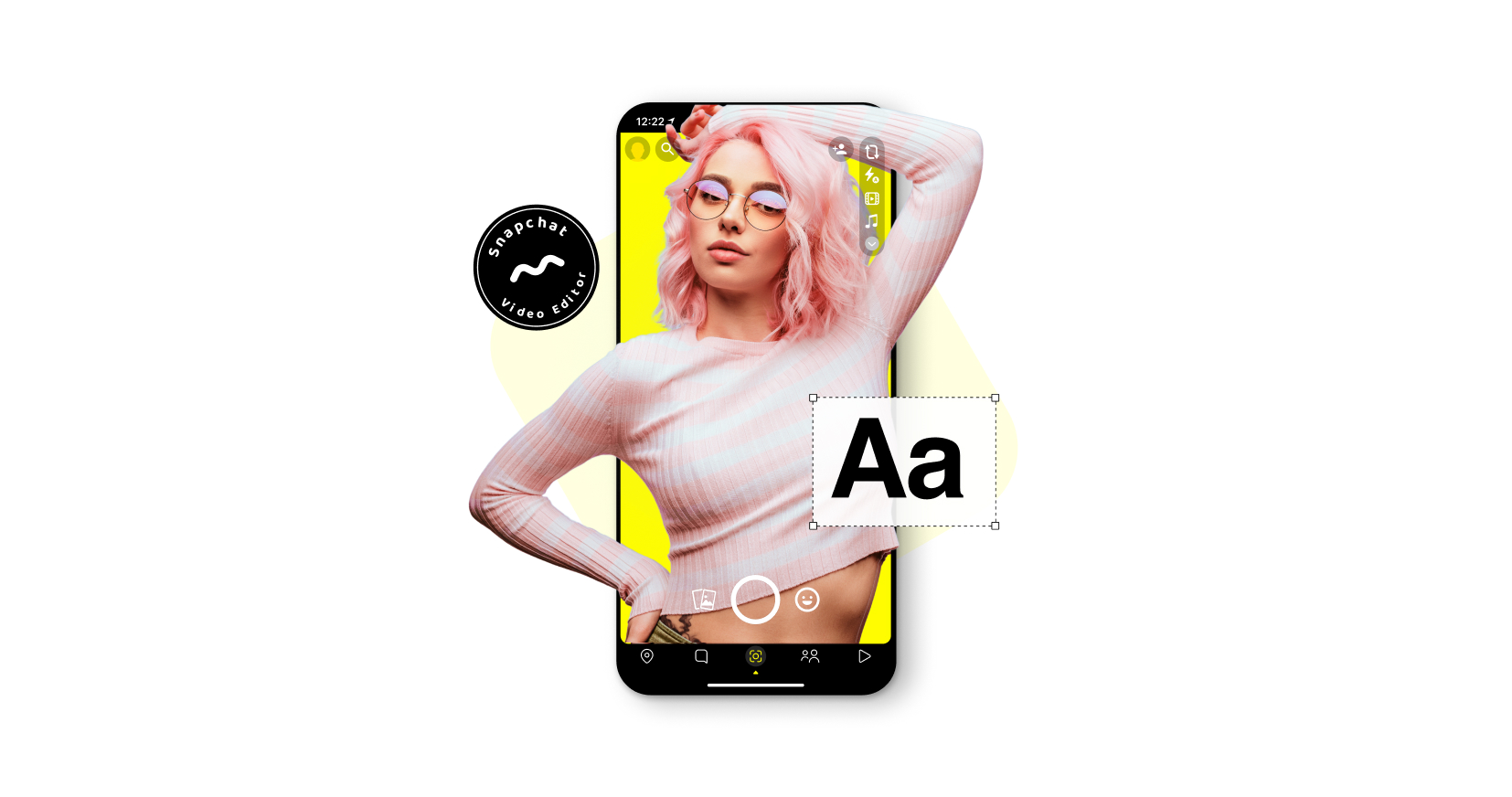
Our partners

Snapchat Video Editor
Create & Share with Our Video Editor for Snapchat
Promo’s easy-to-use Snapchat video editor helps you create fun and engaging Snapchat videos anytime you need them.
Whether you are learning how to make a video on Snapchat or refining branded visuals, you can upload or create a snap video, resize it, personalize it, and publish in just a few clicks.
This workflow also supports snap edit features that simplify trimming, formatting, and styling.
Snapchat Video Footage Options
Showcase your brand with scroll-stopping Snapchat videos from our award-winning media library, featuring over 200M photos and videos from iStock and Getty Images. You can combine stock visuals with your own footage while learning how to do a video on Snapchat that fits the platform standards.
Add Music to Your Video
Need great music for your Snapchat video?
No problem! We’ve got you covered. Access over 1.5K music tracks pre-approved for social media for that perfect tune to drive your brand.
Stylize Videos with Text
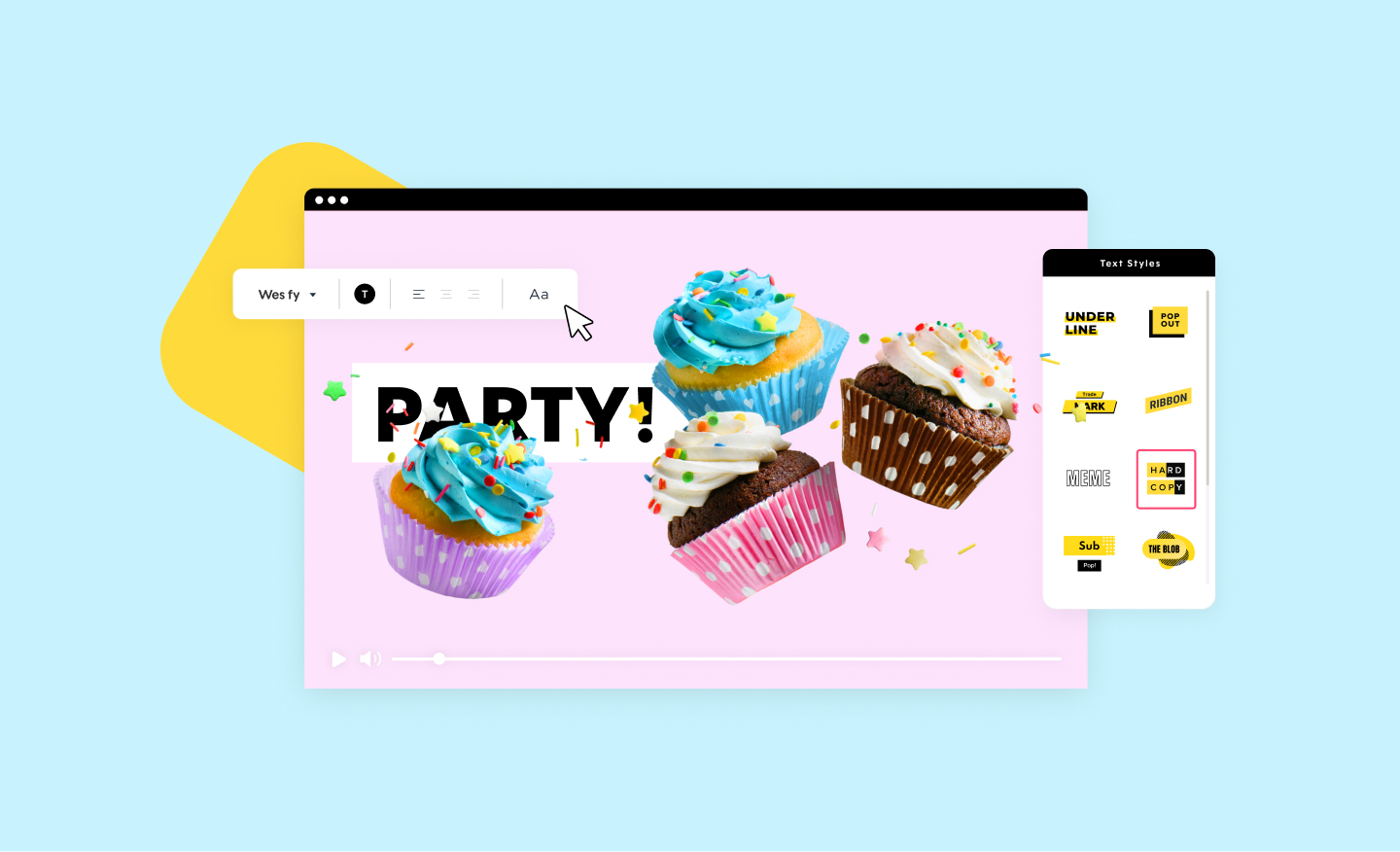
Effortlessly caption your Snapchat videos dynamically with professionally designed animated text styles. This built-in Snapchat caption maker also works as a Snapchat text generator, allowing you to adjust layout, colors, and Snapchat caption font options without external tools.
Snapchat Video Resizer
Easily edit videos to the perfect size and dimension in an instant with Promo’s Snapchat video resizer – Promo helps you change the dimension and aspect ratio of your video in a snap.
This feature works alongside the Snapchat video converter, helping you adjust formats while preparing content for publishing or Snapchat download video use.
You can also convert Snapchat video to MP4 when exporting, making Promo an effective Snapchat MP4 converter and Snapchat to mp4 solution.
How to Edit Snapchat Videos With Promo

Upload or Choose Media
Upload your video to Promo’s Snapchat video editor or choose a ready-made template from one of our professionally designed video templates to customize with your brand. The editor walks you through how do you make Snapchat videos, from trimming and formatting to applying overlays and animations.
Promo also makes it easy to learn how to trim Snapchat video, apply video effects and Snapchat styles, and adjust timing for better engagement.

Edit & Style Your Video
With Promo’s Snapchat video editor, you can easily trim Snapchat videos, resize, add text, music, and effects, apply color overlays, and more!
The platform functions as a Snapchat photo editor and video editor combined, streamlining the creation of polished Snapchat videos.

Publish, Download & Share
After you preview your video on the Preview & Publish page, download your video in HD 1280 x 720. Want to share your Snapchat video on other social media platforms? You can do it easily from our Publish page with no download required.
This makes Promo useful for creators looking to download Snapchat video files or repurpose content using a Snapchat video converter for other platforms.
Why Use Promo's Snapchat Video Editor?
Save Time With Snapchat Templates
No time? No problem! Fast-forward your “Snapchatting” by using one of our unique Snapchat-ready video templates. Quickly edit videos for Snapchat and customize them to fit your needs and style.
These templates help simplify how to make a video on Snapchat while maintaining consistency across multiple Snapchat videos.
Bring Your Brand to Life
Easily import your brand colors, fonts, and logo with your own branding and style into our Snapchat video editor. Add your logo and scale your Snapchat video across social platforms.
Engage With Your Followers
Stay trendy and be a part of the conversation with your audience. Create amazing Snapchat videos and share your stories with regular posts to keep your followers updated on your latest news.
Create Snapchat Videos That Match Platform Behavior
Snapchat content performs best when it feels native, fast-paced, and visually direct. Promo’s Snapchat video editor is designed around these viewing behaviors, helping you produce vertical videos that load quickly and hold attention without extra formatting steps.
If you are figuring out how to video on Snapchat, the editor removes technical friction by guiding you through layout, timing, and visual balance from the start. Because the tool is fully online, you can work directly in your browser without downloads or advanced editing software.
This makes it easier to experiment, revise, and publish consistently, even when content schedules change.
Simplify Editing Without Sacrificing Control
Promo balances ease of use with creative flexibility. You can start with templates or upload your own snap video, then fine-tune details using intuitive snap edit controls. From trimming clips to adjusting pacing, the editor supports creators who want clean results without learning professional software.
Built-in tools also help you apply video effect Snapchat styles that enhance motion and clarity without overwhelming the message. These effects are optimized for mobile viewing, ensuring your Snapchat videos remain smooth and readable on smaller screens.
One Editor, Multiple Output Options
Once your video is complete, Promo allows you to export in formats that support reuse. You can convert Snapchat video to MP4, making it easy to store, share, or repurpose content across platforms. This flexibility positions Promo as both a creative tool and a reliable Snapchat video converter when you need quick format changes.
Whether you are publishing daily stories or building branded campaigns, Promo gives you a streamlined workflow—from creation to Snapchat download video—without disrupting your process.
Frequently Asked Questions
1. How to crop a Snapchat video?
Editing videos for Snapchat is easy. The preferred ratio for Snapchat is “Vertical,” so be sure to apply the correct ratio from the top-right drop-down menu. Next, to crop your Snapchat video, hover over the video footage in the editor timeline and choose “Edit” and then “Trim Video.” Finally, drag the two blue handles to select the segments you want and click Apply.
2. How to resize a Snapchat video?
Resize videos online in seconds with Promo.com. First, upload any video or create one using Promo’s extensive video footage library. Then, from the “Publish” page, you can resize your Snapchat video by selecting from preset sizes to change the dimensions of your video to one of three formats with the simple click of a button.
3. How to add background music to your Snapchat video?
Upload your audio to Promo.com. Then click on it to add it to your Snapchat video. Alternatively, you can choose an audio track from our extensive royalty-free, high-quality MP4 music library.
4. How do you make Snapchat videos online with Promo?
You can make Snapchat videos online by opening Promo’s Snapchat video editor in your browser and choosing a template or uploading your own media. The editor guides you through each step, from selecting the vertical format to trimming clips, adding music, and applying text or effects.
5. Can I edit and download Snapchat videos in MP4 format?
Yes, Promo allows you to edit your content and convert Snapchat videos to MP4 during export. This makes it easy to store, reuse, or share videos across platforms.
Snapchat videos and so much more
With Promo’s online video tools, you don’t have to stop at Snapchat. You can create engaging and fun TikTok videos, Facebook Videos, YouTube videos, and so much more! The power of any video project is in your hands.

Explore More Online Tools
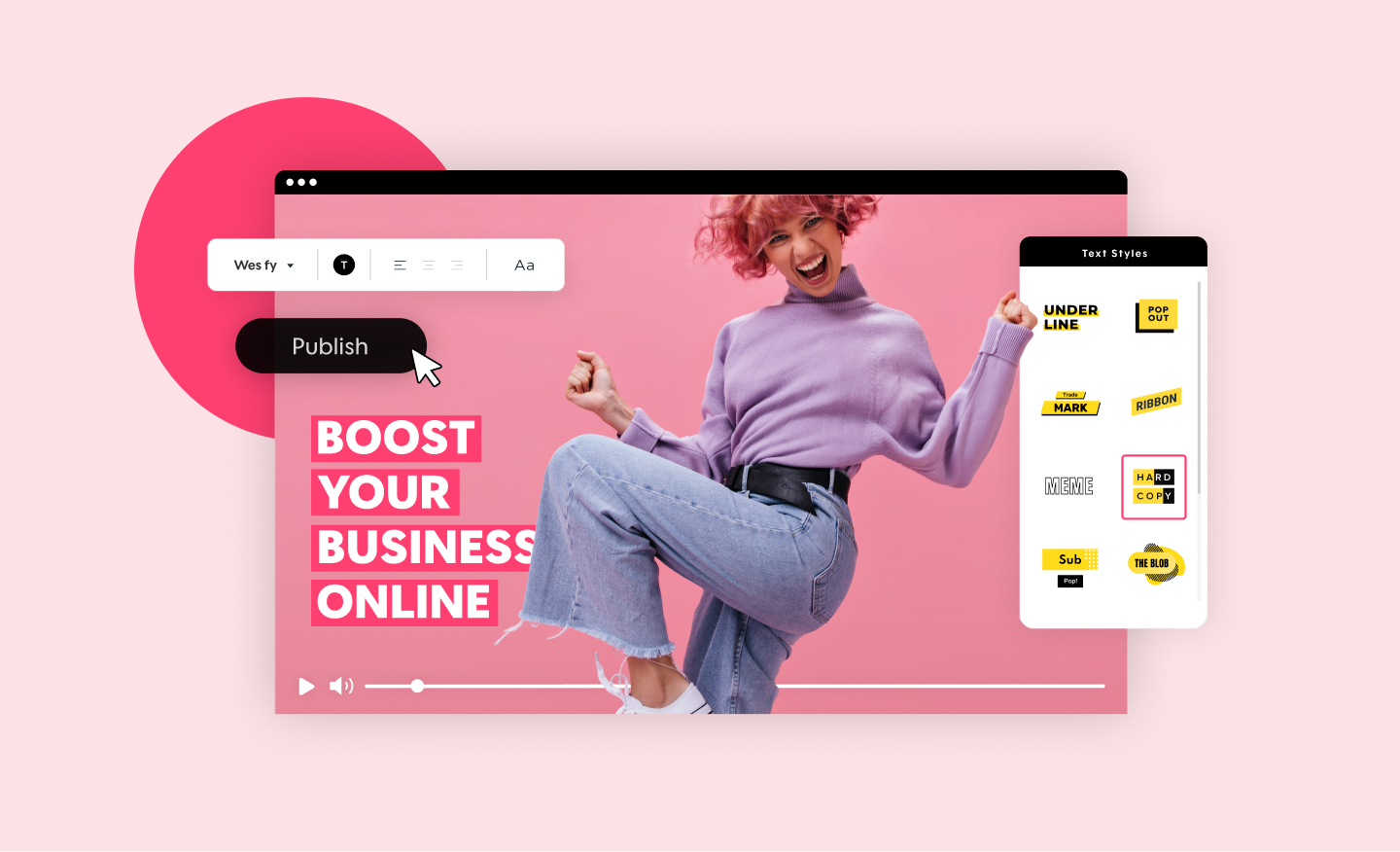
Promo Video Maker
Create a standout video for your company or business in minutes. Choose videos, images, and music from our premium stock library or upload your own for a professional and impactful result.
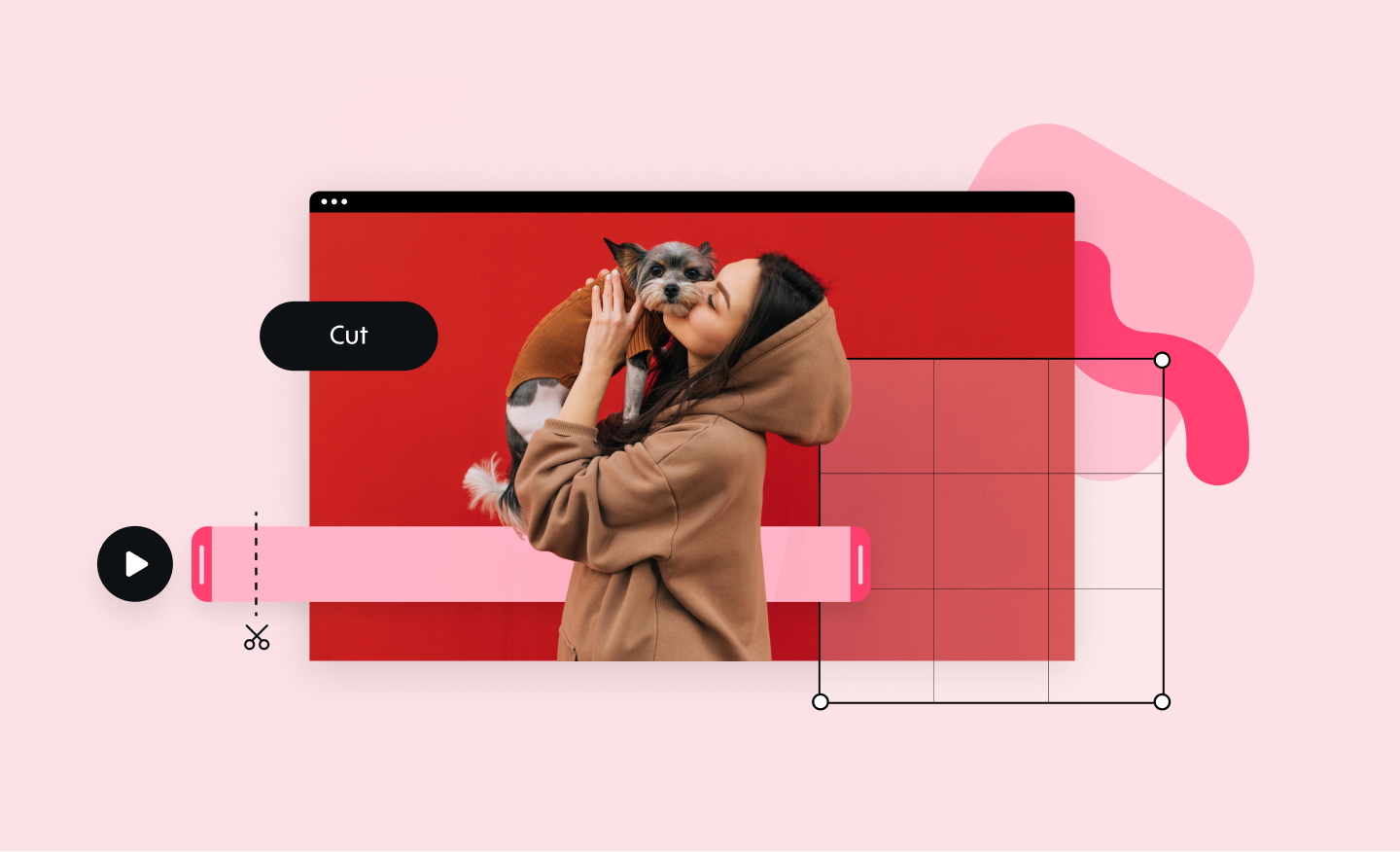
Online Video Cutter
Our online video cutter makes removing any unwanted video footage easy and fast. Cut and trim sections from your video quickly and without losing quality.
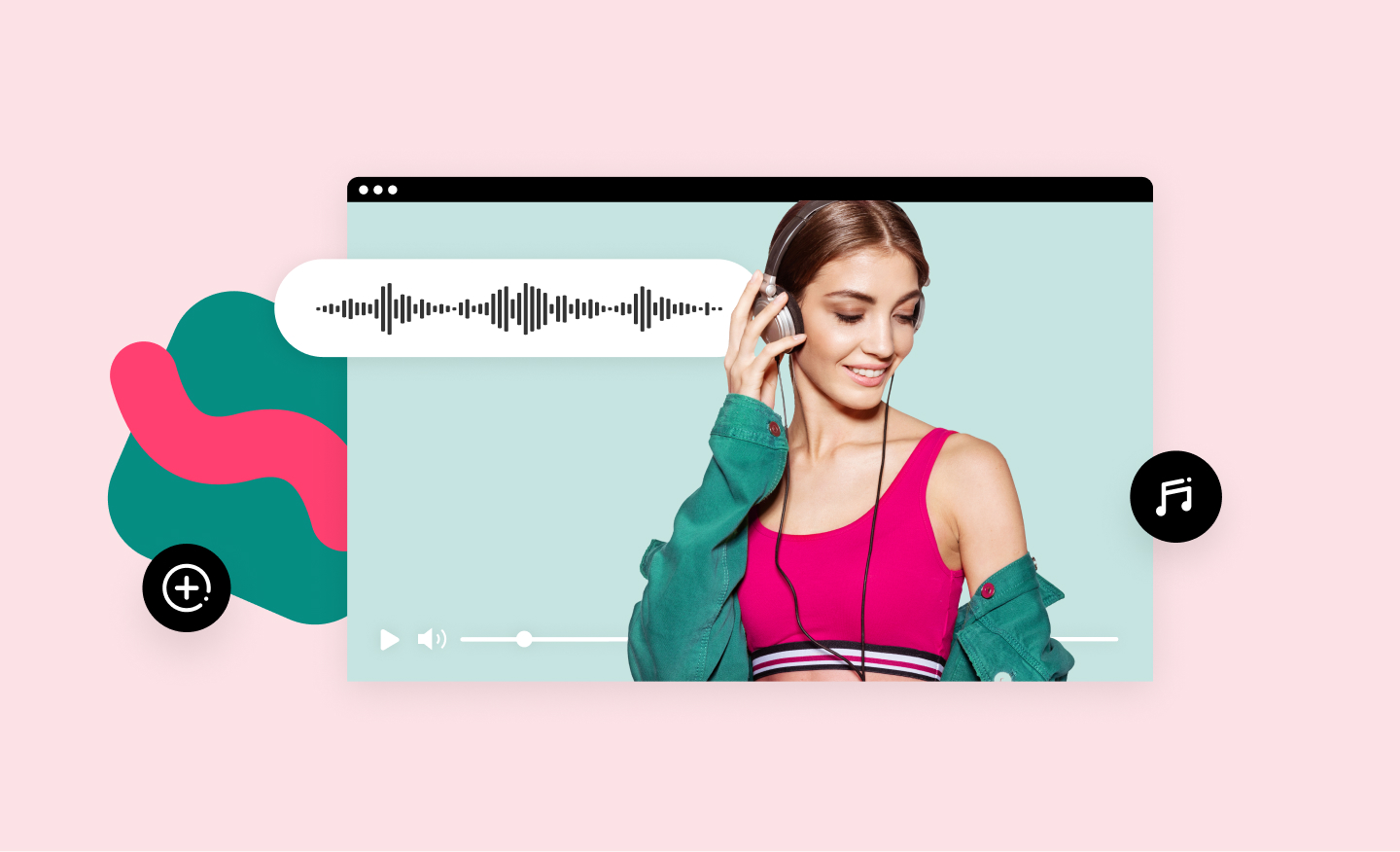
Add Music to Video
Add audio tracks to your video in no time using Promo’s online video editor. It's easy, free and completely online. Upload your own music or choose one from our audio library, pre-approved for all social media platforms.
Birthday Video Maker
Create birthday memories that will last forever with Promo.com's easy-to-use happy birthday video maker. A unique and special way to celebrate someone's special day.