How To Use An Invitation Maker To Create Stunning Video Invites In Minutes

Key Takeaways
- A modern invitation maker replaces traditional paper invites by offering instant delivery, easy updates, and better engagement—making it the smarter choice for both personal and professional events.
- Using an invitation maker online or online invitation maker free allows anyone to design high-quality invites with templates, animations, and music—no design skills required.
- A video invitation maker helps create more engaging and memorable invites compared to static cards, increasing excitement and improving attendance rates for events.
- Whether you need a wedding invitation maker online, birthday invitation maker, or party invitation maker, customizable templates make it easy to match the tone and theme of any event.
- A digital invitation maker enables you to create invitation video online, personalize visuals, and share instantly via WhatsApp, email, or social media—saving both time and cost.
- A custom invitation maker with ready-to-use invitation video templates and branding features helps users create professional, consistent, and visually appealing event invitations with ease.
Paper invitations are slow, expensive, and the moment you seal the envelope, you lose control. Change the venue, update the time, or realize you forgot to include the address code, and you are printing everything again. That is not a minor inconvenience. For large events, it is a serious logistical problem.
Digital video invitations solve it all. They deliver instantly, update in real time, and arrive on the device every guest already carries. According to Verified Market Reports, the electronic invitation software market is growing at a 13.2% CAGR. It is expected to surpass $10 billion by 2026, driven by the shift toward more interactive, shareable digital experiences.
The tools making this possible are far simpler than most people expect. A modern invitation maker handles design, animation, music, and formatting without requiring any creative or technical background.
Here is exactly how to use one to create video invites that make an impression before the event even starts.
Why Video Invitations Outperform Static Cards Every Time
A static card provides the when and the where. A video invitation does something that a static card simply cannot: it generates anticipation. This is the one thing that static cards cannot elicit. The emotional reaction that a video invitation generates is the difference between someone who marks the calendar and someone who plans to get around to it someday.
The numbers bear this out. Digital elements can boost engagement compared to static alternatives. Furthermore, most users open invitations on smartphones. A video invitation is more than just visually stunning. It’s designed for the device that your guests already use every day.
For formal events such as weddings, this impact is particularly important. For informal events such as birthday parties, the impact is that the video invitation itself indicates the host took the event seriously enough to create a high-quality invitation. This is likely to result in better attendance at the event.
An invitation maker helps with the problem of sending out invitations. You can send out the video invitation via WhatsApp, email, or any other platform. Every person receives the same high-quality invitation regardless of the device they use. You can also see who has opened it and who hasn’t. There is no need to spend money on postage or worry about the invitation arriving at the right address in time.

Types of Events That Benefit Most From Video Invitations
Video invitations apply to all event types, and they are most valuable in situations that require tone, anticipation, and presentation.
The table below compares the most common use cases and the benefits that a video invitation maker provides for each.
| Event Type | Best Format | Tone | Key Advantage |
|---|---|---|---|
| Wedding | Cinematic / Elegant | Romantic, Formal | Sets the mood before the day |
| Birthday Party | Fun / Energetic | Celebratory, Casual | Drives excitement and RSVPs |
| Corporate Event | Branded / Professional | Polished, Informative | Reinforces brand credibility |
| Baby Shower | Soft / Warm | Gentle, Personal | Personalizes the announcement |
| Holiday Party | Festive / Seasonal | Cheerful, Social | Stands out in a crowded inbox |
A party invitation maker designed specifically for personal events caters to the casual end of this spectrum. An online event invitation maker, designed for branding and scheduling, caters to the corporate end. Promo does both on the same platform, eliminating the need for separate tools for different event types.
The through-line across these different types of events is the same. Video communicates what a flat image does not. It sends a message to all your guests that the event host considered the invitation part of the equation, not an afterthought. The impression that sets helps dictate attendance rates, preparation, and the attitude that people bring to the table as they arrive.
How To Create a Video Invitation Using Promo in Five Steps
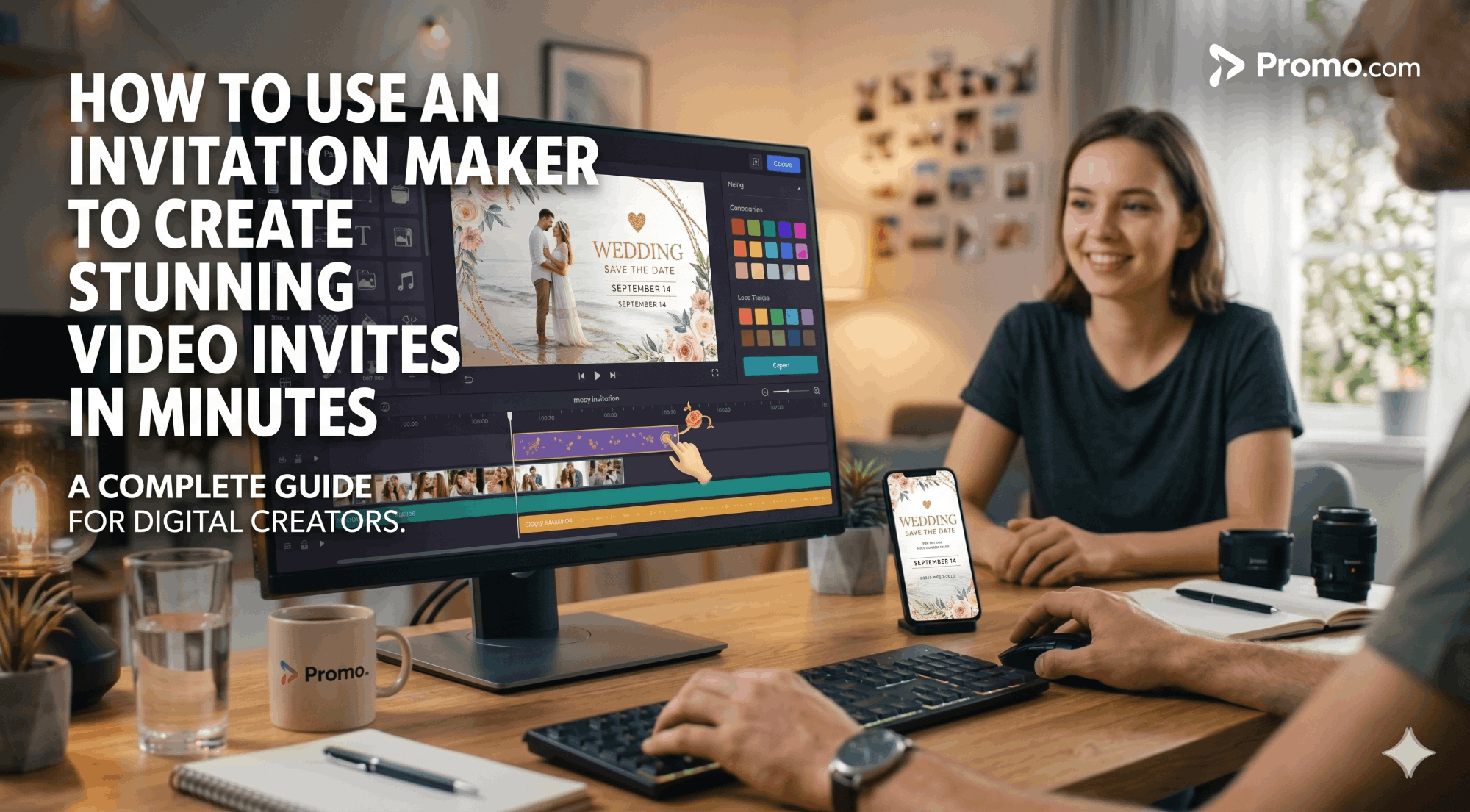
The general assumption is that creating a professional-grade video invite requires design or video editing skills. The process, however, is quite simple, and it can be completed in a matter of minutes. With Promo, any user, whether new to creating video invites or not, can complete their production in a single session.
Below are five steps that cover the entire process.
Step 1: Choose your template
To get started, users can access Promo’s library of invitation video templates. The library can be filtered by event type, including weddings, birthdays, and corporate events. For instance, users can access an online wedding invitation maker, a birthday invitation maker, or any other event template. All templates are fully editable, so there are no limitations.
Step 2: Add your event details
The user can then add their event details, including the event name, date, time, and venue, in place of the default text. With Promo, users can edit their text using a variety of font styles, sizes, colors, and animation times without writing any code.
Step 3: Personalize the visuals
Add your own images or pick from Promo’s collection of more than 275 million licensed images on Getty Images. Ensure the images’ style matches your event theme. A custom invitation maker approach, where you bring your own images rather than relying solely on stock footage, adds a personal layer that guests notice immediately.
Step 4: Add music and finalize the pacing
Select background music from Promo’s vast collection of licensed music. Adjust the video clip’s timing so that key elements of the event description occur at the appropriate points. Preview the complete invite from start to finish, then make any final adjustments to text placement or animation speed.
Step 5: Export and share
Export your completed video in the appropriate format: vertical for WhatsApp stories or Instagram, horizontal for embedding in an email, or square for sharing on social media. Share your video using WhatsApp, email, or social media, or simply paste the video link into any other messaging platform. For a digital invitation maker that also offers scheduling tools, Promo also provides direct publishing options for sharing on social media from the same platform. If the date of your event changes, you can easily update the text on your invite and resend it. That alone makes digital an obvious choice over traditional print media for any event where there is a good chance details may change before the date.
Video Invitations for Weddings and Milestone Events: Getting the Tone Right
Wedding invitations hold great significance. For one thing, they are the first formal communication that the couple sends out to all the guests. The tone they set in the invitation is the tone the couple wants the entire event to have. A video invitation has the power to do that in a way that a card simply cannot. However, it also has the power to get it all wrong.
A wedding invitation maker online should offer templates that are elegant and personalized at the same time. The most effective wedding video invitations are those with little text. The couple’s names, the date, and the venue are enough. The video invitation handles the feelings.
This same rule applies to milestone birthdays, anniversaries, and retirement parties. Emotion sells. A birthday invitation maker that lets you add images from the honoree’s life and set it to music that suits their taste creates a personalized invitation rather than a template. The invitee receives an invitation that already means something to them before the event even begins, which sells attendance more effectively than any reminder message.
As Grand View Research’s virtual events market report states, the global virtual events market size is expected to reach $297.16 billion by 2030, growing at a CAGR of 20%. As digital event communication becomes the norm rather than the exception, the quality of a video invite directly affects the host’s credibility.
Using Promo as Your Invitation Card Maker Online for Business Events
Corporate events have a specific challenge that personal events do not: every communication needs to reflect the brand. An invitation card maker online that offers full branding control, logo placement, brand color application, and professional export options is essential for business use. It is the minimum viable standard.
Promo’s platform gives business users that control. You can upload brand assets directly: logo files, color hex codes, and branded photography. Every element in the invitation reflects the company’s visual identity rather than the platform’s default styling. The finished video looks like it came from the company’s design team, not from a free online template.
For product launches, annual conferences, client appreciation events, and team off-sites, a branded video invite also extends the event’s marketing value. The invite builds anticipation before the event and can be repurposed as social content afterward. The EPA notes that choosing digital communication over paper significantly reduces environmental impact, which also gives businesses an on-brand sustainability story to tell when they share their event communications.
Scheduling and publishing features within Promo let event coordinators set invitation send times, follow up with guests who have not opened the link, and coordinate messaging across multiple channels from the same platform. For events with hundreds of attendees, that coordination capability turns a digital invitation maker into a full event communication tool rather than just a design product.
The analytics that come with digital distribution also give corporate event planners data they never had access to with paper. Open rates, click-through rates, and RSVP conversion metrics tell a coordinator exactly how the invitation performed and which guests need a follow-up. That insight improves planning for the current event and informs how future invitations are crafted and distributed.
Final Thoughts
The way people receive and respond to event invitations has changed permanently. A video invite reaches guests where they already are, plays immediately on their device, and creates an emotional connection that a paper card never could. The tools to produce one are accessible, the learning curve is minimal, and the results are immediately visible in how guests respond.
Promo’s invitation maker online brings the full production workflow into one browser-based platform. From choosing a template to exporting a finished, branded video, the process takes minutes rather than hours. For personal and professional events alike, that combination of quality, speed, and ease of sharing makes video invitations the clear choice for anyone who wants the event experience to start the moment the invite arrives.
Frequently Asked Questions
Can I create a video invitation for free?
Yes. Promo offers a free invitation maker with templates, basic editing tools, and standard export options, available without a paid subscription. Premium features such as full access to the Getty Images library, advanced branding controls, and watermark-free exports are available on paid plans.
How long should a video invitation be?
Most effective video invitations run between 20 and 45 seconds. Long enough to convey the event details and tone, short enough to hold attention without asking guests to commit to a viewing experience. For formal events like weddings, 30 to 45 seconds works well. For casual events, 20 to 30 seconds is usually sufficient.
Can I share a video invitation on WhatsApp?
Yes. Promo exports video invitations in formats compatible with WhatsApp, email, and social media platforms. You can also share a direct link, which plays the video natively on any device without requiring a download. This makes the online invitation maker free workflow practical for personal and professional distribution alike.
Do I need design skills to use a video invitation maker?
No. Platforms like Promo are built for users without any design or editing background. The invitation video templates handle the layout, animation, and timing automatically. You replace the placeholder content with your own event details, adjust any elements that need changing, and export. The total process typically takes less than 15 minutes for a first-time user.
Is it appropriate to send a video invitation for a formal event, such as a wedding?
Yes, and increasingly it is expected. In 2025, 82% of Americans aged 25 to 45 prefer digital invitations, including for formal events. A well-produced wedding video invite, created through a quality wedding invitation maker online, communicates the same level of care and attention as a printed invitation while delivering instant reach, easy RSVP tracking, and far lower cost.


