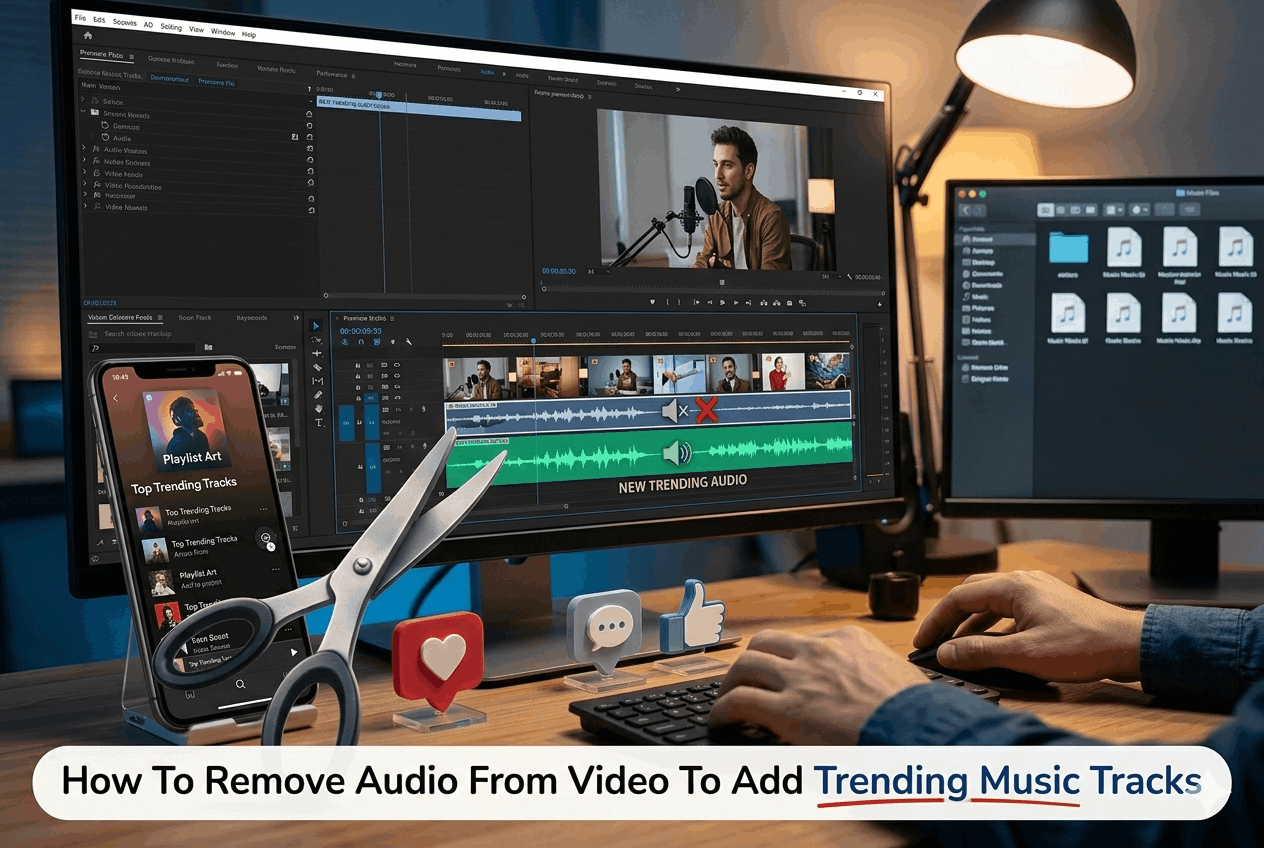
How To Remove Audio From Video To Add Trending Music Tracks

Recent data shows that 78% of people watch online videos weekly, and 55% watch them daily. And for creators, social media content thrives on fresh, engaging audio. This means that the importance of the audio track in catching attention can’t be underestimated.
But when your perfect viral clip comes with the wrong soundtrack, it’s either you ditch the footage or repair the audio. The ability to remove audio from video and replace it with a trending track is a game-changer for creators looking to boost engagement and catch up on viral sounds.
If you’re looking for ways to add music to video, especially with audio from that trending track, this guide breaks it down and helps you create video content that drives engagement.
Why Audio Removal is Important for Modern Video Content
Social media platforms like TikTok’s algorithm favor videos that use trending sounds. Instagram Reels and YouTube Shorts do the same. But most original footage also comes with problematic audio — background noise, wind, unwanted conversations.
Content creators who master audio replacement gain a significant advantage. A fashion brand might need to remove background music from video caused by street performers. A workout instructor’s clip might need the gym audio removed and replace it with some motivational beats.
Real estate agents would love to be able to mute video recordings that contain private conversations they had with their co-worker while showing a house they just listed.
The good news is that what once required expensive editing software can now be accomplished through browser-based tools. Platforms like Promo, which let you easily remove audio from video, allow small businesses and individual creators to compete on equal footing with established brands. And the entire process is intuitive and straightforward.
The Step-by-Step Process to Remove Audio from Video
With audio removal through the Promo platform, you need to follow a simple workflow comprising three stages: uploading your content, removing the audio you don’t want, and adding your new trending music track.
1. Uploading Your Video File
First, open an online audio remover tool in your browser. With today’s browser-based editors, you don’t have to download or install anything. Next, upload the video file from your computer–Promo AI tools will work with MP4, MOV, and AVI files.
Once you upload your video, it will appear in the editing timeline. This visual shows that the video and audio tracks are indeed separate, and that’s important because you can move and manipulate these elements independently.
2. Removing the Unwanted Audio
The actual process of removing the audio is pretty simple. Within your editor, you’ll access audio controls. For uploaded personal videos, look for a three-dot menu icon on your video clip in the timeline, then tap it to see “Mute Video” or a similar sound remover.
Clicking the mute option immediately mutes the original audio track. If you’re using stock footage or a template video, go to the music tab on the left. You can choose ‘no music,’ or there is a separate silence track.
This method is non-destructive, as it doesn’t delete the original audio from your source file, so you can always restore it by unmuting it again!
3. Adding Your New Trending Soundtrack
Now that you’ve cut the sound, it’s time to add some music. A modern online MP4 editor will give you two options: choose from a library of royalty-free music or upload your own audio files.
Built-in music libraries usually have hundreds or thousands of different songs covering just about every genre. All these songs are typically pre-cleared for commercial use, so you don’t have to worry about copyright issues. Most video editors also let you upload your own audio.
Once you’ve selected your new audio or uploaded your own, it will automatically be added to your video’s timeline. You can adjust the volume to ensure your new song doesn’t overpower the people speaking in the video.
Why Choose Browser-Based Video Muter Tools

With normal video editing software, you usually need a decent computer to run it. Also, they’re overly complicated for what most people want to do with them.
Browser-based audio removers or music remover from video tools give you a taste of high-quality results. No installation demanded means no computer resources wasted. Everything works fully online in your browser. You can access and use it on any device with a web browser.
System requirements also become a non-issue. Even older computers can handle browser-based editing. It’s all done on remote servers anyway.
Cost is another factor that makes browser tools attractive. Many platforms, including Promo, offer free tiers, and even their premium subscriptions are a fraction of the cost of owning traditional software licenses.
Practical Applications to Removing Voice from Video Features
Knowing when to remove voice from video opens up additional creative possibilities. Here is when you may need to remove audio from a video to add that trending music track.
1. Social Media Content Creation
The faster you can be on the trending audio with your creation, the more exposure social platforms can give it. For example, a product demonstration video may do well with original audio, but it could go viral if it’s paired with a trending sound. Being able to remove audio from MP4 and replace it with popular tracks allows you to capitalize on trends quickly.
Instagram Reels and TikTok, in particular, really push trending audio with their algorithm. Videos that use trending sounds reach people who haven’t seen them before.
2. Marketing and Promotional Videos
Brand consistency is key, including the audio selection. To repurpose user-generated content and stock footage, brands must remove the background music from the video and replace it with an on-brand alternative.
Testimonial videos are another scenario. Customer reviews are typically shot in different locations, and their audio quality often varies widely. Removing the original audio and adding a trending soundtrack audio can make your marketing videos stand out.
3. Educational and Training Content
Instructional videos need to be recorded in a controlled audio environment. A tutorial recording might pick up some unwanted sounds, such as a ringing phone or people talking in the background. A video muter tool can remove such distractions and produce better content.
Language localization also often requires audio removal. A training video developed for one country will likely require different language voiceovers to deliver it to international locations. Muting the video at the start eliminates an extra burden from the localization process.
Advanced Features to Produce Professional Results
If you want the best audio removal results, you need to master the platform’s advanced features to create content with a professional appearance.
1. Combining Multiple Audio Elements
Some projects benefit from layered audio. Background music can be combined with sound effects or voiceover narration. Start by removing the original audio completely, then build your new soundscape piece by piece.
Maintain balance within the layers. The background music should enhance, not overpower. Set it 20-30% lower than your voiceovers. And when you combine your elements, remember that the sound effects are for visually specific moments.
2. Adjust Audio for Different Platforms
Each social platform requires different audio. Instagram users like trendy music. LinkedIn connections expect professional soundtracks. YouTube subscribers tolerate longer musical intros more than TikTok followers do.
Technically, TikTok videos are usually 15 to 60 seconds, with a must-grab-attention-right-away soundtrack. You can have a longer introduction for YouTube.
Common Mistakes to Avoid When Removing Audio
There are traps in even the simplest audio removal process. Watch out for these common mistakes when removing audio from video to add a trending music track.
1. Copyright Complications
The biggest mistake you can make is trading one copyright issue for another. Unless you have the rights or are using royalty-free trending music tracks, be prepared for copyright strikes.
Platforms scan uploaded videos for any protected music. Both YouTube’s Content ID system and Facebook’s Rights Manager can automatically pick up copyrighted audio. Make sure you have the rights to use a piece of trending music before you add it to your videos.
2. Technical Quality Concerns
Audio quality matters, no matter how good the music is. Compressed, low-bitrate audio files sound bad. If you’re uploading that trending music track, make sure you’re using high-quality source files. For MP3s, that means 192 kbps at a minimum.
If the volume on different audio clips is all over the place, that’ll make for a terrible listening experience. Normalize your audio, then listen to the finished product on different devices.
3. Workflow Inefficiencies
Working with high-resolution files can slow down browser tools. Create a compressed working copy to edit, then apply the changes to your full-resolution version for export.
Always watch your complete video with audio before finalizing. You are checking sync, volume, and balance. Save project files regularly; you’ll thank yourself the next time you have to go back and make revisions.
More Audio Removal Tools and Features to Help You Work Smarter
When you know which audio removal tools are available, you can use them effectively to achieve the best results. Modern internet editors are a fusion of simplicity and powerful functionality. They not only remove audio from MP4 files, but also trim, crop, add text to video, or insert transitions.
The best platforms balance capability with usability. You want tools with intuitive interfaces and, if needed, advanced features. The ability to use cloud storage is also nice, so that you can access your video library from any device.
AI Video Maker Integration and Future Possibilities
AI keeps evolving the landscape of video editing. Current AI video maker tools can analyze videos and propose suitable music tracks based on visual content, pace, and mood.
Some platforms now even offer automatic audio ducking, which lowers the volume of music when voice-overs are happening and raises it again during silent parts.
Voice removal has also improved with AI, as neural networks isolate and remove human voices while preserving the background.
Troubleshooting Common Audio Removal Issues
Even with simple procedures, the occasional problem will arise.
- Audio Not Fully Removed: Hearing a sound even after muting may mean you didn’t mute the right track. Sometimes videos have multiple audio layers. Browser cache may cause issues, so try refreshing your browser and reopening the project.
- Sync Issues After Adding New Audio: Most audio-video sync issues occur when a new audio file doesn’t start at the exact beginning of your video clip. Some browsers handle audio playback differently, so it’s best to test exported videos in a standard media player.
- Export Problems: Many failed exports occur due to internet connectivity issues. Browser-based tools require a strong connection during rendering. Also, file-size limiting may be in place for the free platform tier. Switch to paid plans to remove these limits.
Taking Your Content to the Next Level
Mastering how to remove audio from video can help you become a more creative artist. Merging visual storytelling and sound design will produce content that the audience will connect to.
Start with small and easy audio swaps. Once you gain some confidence, proceed to doing layered audio replacements. If it does not add value, it is for nothing.
Be consistent with your audio to strengthen your brand identity and ensure your content is recognizable. Before you send your video out, test it with the new audio on various devices to ensure sound quality.
By using the right tools and strategy, you can transform every video into engaging, trend-ready content.
FAQs
- Can I remove audio from video without losing video quality?
Yes. Removing the audio won’t affect the video’s image resolution or frame rate. Just export a video with the same quality as your source file to get a good visual experience. Most online tools can keep full HD if you want to remove audio from a full HD MP4 video.
- Is it legal to remove music from a video and put new tracks?
The audio you add has to be licensed correctly, meaning you can’t just replace someone’s copyrighted music with more copyrighted music without due authorization.
- How long does it take to mute video content using online tools?
The muting itself takes only seconds, but the time depends on the length of the video you want to upload and your upload/download speed. For example, a 30-second GIF will take about 3-5 minutes to upload, edit, and export. The longer the video, the longer it will take to process.
- Will removing audio from MP4 work with other video formats?
Most online editors support multiple formats, such as MP4, MOV, AVI, and WebM. In most cases, the platform will automatically convert it to a working format, and then you can export it in your desired format (MP4 is usually the most compatible).


